Most organization advice tells you to declutter your pantry, set a timer, and make your bed every morning. You’ve probably tried it. It worked for about three days.
The problem isn’t discipline. It’s that tips aren’t systems. A tip is something you do once when you’re motivated. A system is something your household runs on automatically — even on the worst Tuesday of the year. Systems remove decisions. They reduce friction. And when the whole family uses them, they actually hold.
These 15 systems are built for real households: working parents, young kids, packed schedules, and homes where perfection is never the goal.
Why Tips Fail and Systems Stick
Tips require willpower every single day. Systems shift the default behavior of your home. When the backpack hooks are next to the front door, kids hang their bags there because it’s the easiest option — not because they remembered to do it.
The goal isn’t a spotless home. It’s a home where clean is easier than messy. Every system below is built around that idea.
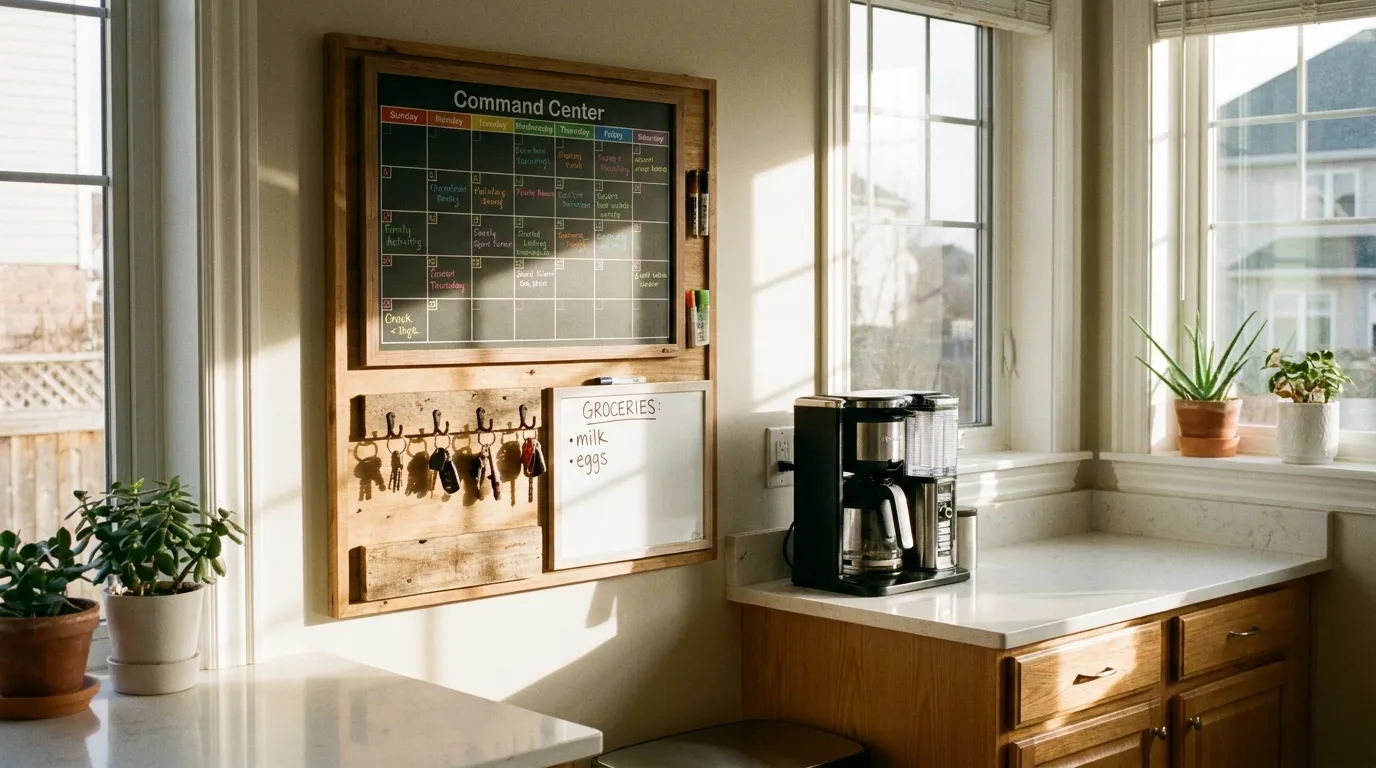
System 1: The Family Command Center
A family command center is a single wall location that holds everything the household needs to run: a shared calendar, a mail inbox, key hooks, a charging station, and a notepad for grocery additions.
Most families scatter these things across three rooms and four apps. A command center collapses everything into one spot, which means less time searching and fewer missed commitments.
Place it where the family naturally congregates — near the kitchen or the main entrance, never in a hallway nobody uses. A physical calendar works better than a digital one for households with kids, because everyone can see it without unlocking a device.
Color-code each family member. One color per person across all slots, appointments, and permission slips. It takes 10 minutes to set up and eliminates the “I didn’t know about that” problem permanently.
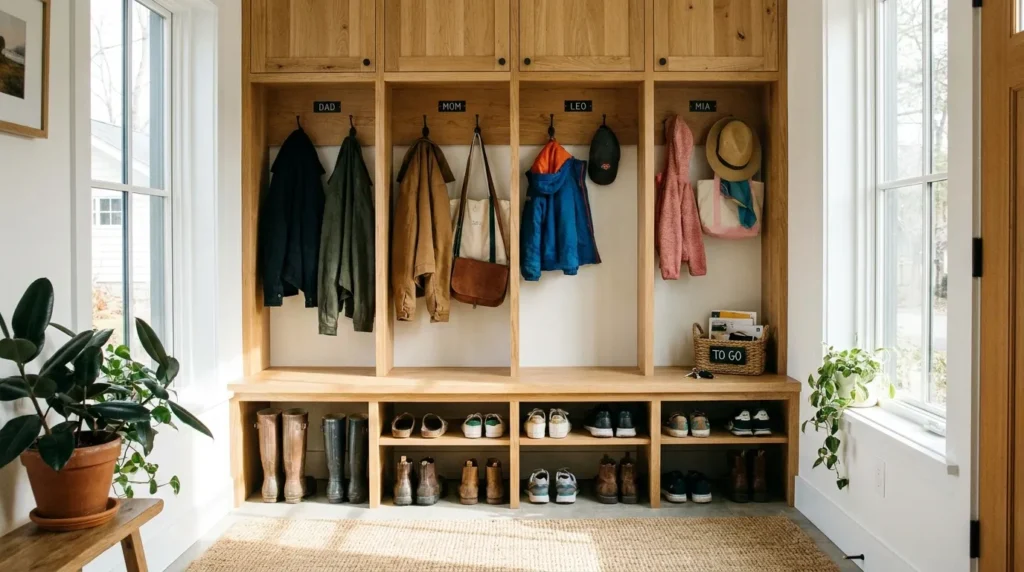
System 2: The Launch Pad (Entryway System)
The launch pad is a dedicated entry zone where every school bag, shoe, jacket, and tomorrow-item lives the night before.
Mornings fall apart because people are searching. Keys aren’t where they were last seen. The permission slip is in yesterday’s jeans. The launch pad ends that entirely.
Set it up with one hook per person at their height, a shoe tray or cubbies, and a small basket for “needs to leave the house” items. Anything that has to travel tomorrow goes in that basket tonight.
For a detailed room-by-room approach to entry zones, the entryway organization ideas guide covers shelf heights, hook placement, and storage for different entryway sizes.
System 3: The Daily 15-Minute Reset
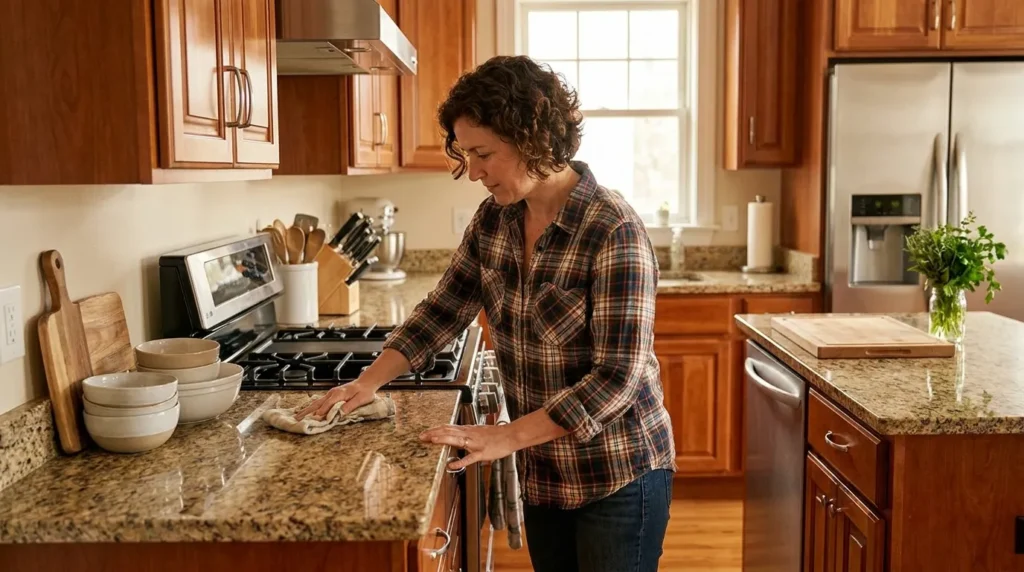
A 15-minute reset run every evening prevents small messes from becoming weekend projects.
Pick one consistent time. Before dinner works better than after — people are tired after eating and less likely to follow through. Assign each person one zone. Parent covers kitchen surfaces and mail. Kids cover living room floors and their own rooms.
The rule: everything gets returned to its home. No new organizing, no deep cleaning. Just returning.
Use the free cleaning schedule generator to build a daily and weekly reset schedule that fits your household size and routine.
System 4: Zone-Based Organization
Zone-based organization means every activity in your home has one dedicated location — and items used for that activity never drift from it.
The five core zones for most families: a command center, a homework station, a meal prep zone, a play zone, and a launch pad. Each zone contains exactly what it needs and nothing else.
The practical effect is dramatic. You stop spending time returning items to rooms because they never left the zone in the first place. Meal prep is faster when all cutting boards, prep containers, and frequently used spices are grouped together — not distributed across three cabinets.
System 5: The Meal Planning Station
A meal planning station is a permanent spot — physical or digital — where the week’s dinners, the grocery list, and the weekly prep task are visible and ready.
Set aside 20 minutes every Sunday. Write five dinners, a backup easy meal, and one batch-cook item. Build the grocery list by store section, not by recipe — produce together, proteins together, pantry items together. This alone cuts grocery trip time by 15–20 minutes.
If you do batch cooking, cook one protein in bulk on Sunday. Grilled chicken covers three dinners. A pot of rice covers four lunches. For pantry setup tips that make weeknight cooking faster, the pantry storage hacks guide covers airtight container systems, FIFO stacking, and labeling that actually gets used.
System 6: The One-In-One-Out Rule
For every new item that enters the house, one item leaves. This applies to toys, clothes, kitchen tools, and anything else that accumulates.
This is not a decluttering project. It’s a maintenance rule that prevents decluttering projects from ever becoming necessary again. It works best when it’s framed as a family rule, not a parent directive. Kids manage it better when they’re the ones who choose what leaves.
If you’re starting with a backlog of accumulated stuff, the KonMari method guide is the most reliable framework for getting back to baseline before the one-in-one-out rule takes over.
System 7: The Two-Minute Rule
If a task takes less than two minutes, do it immediately instead of adding it to a list.
This concept comes from David Allen’s GTD (Getting Things Done) framework and is one of the highest-leverage habits available to busy families. Dishes go directly into the dishwasher. Spills get wiped when they happen. Mail gets sorted the moment it comes through the door.
The mistake most families make is applying this rule only when they think of it. The trigger should be environmental — the moment you put something down, ask whether it’s actually done. If it takes two minutes, finish it now.
System 8: The Age-Appropriate Chore System
A chore system distributes daily household tasks across all family members, matched to what each person can realistically handle.
This isn’t about lightening the load. It’s about creating shared ownership so the house doesn’t run on one person’s constant effort.
| Age | Realistic Tasks |
|---|---|
| 3–5 | Put toys in bins, bring dishes to sink, wipe spills with a cloth |
| 6–8 | Make bed, set and clear the table, sort laundry by color |
| 9–12 | Load dishwasher, vacuum their room, pack their own lunch |
| 13+ | Cook one dinner per week, clean a bathroom, manage their own laundry |
Rotate chores monthly so kids build multiple skills. Use a whiteboard or app like OurHome rather than a paper chart — digital reminders create follow-through without parental nagging.
System 9: The Paper Management System
Paper clutter is the category most families ignore until it’s completely unmanageable. School notices, bills, permission slips, and junk mail accumulate fast.
The three-folder method solves it: one inbox for unreviewed paper, one action folder for things requiring a response this week, and one archive folder for records to keep. Everything else gets recycled immediately.
Go through the inbox every Sunday during your meal planning session. It adds eight minutes and eliminates the panic of a missed form.
For anything worth keeping long-term — insurance documents, warranties, school records — photograph it and store it in a labeled Google Drive folder. Most families can fit their important documents into five digital folders and free up two full filing cabinet drawers.
System 10: The Weekly Family Meeting
A 10-minute weekly family meeting prevents most scheduling conflicts, resentment about chores, and the feeling that one parent is managing everything alone.
Cover four things: next week’s schedule, any supply needs, one thing that worked this week, one thing to improve. That’s it. Keep it short enough that no one dreads it.
Sunday evening works better than Monday morning — the week hasn’t started yet and changes can still be made. For families with teenagers, framing this as a logistics check-in rather than a family activity gets more consistent participation.
System 11: Laundry Batching
One dedicated laundry day per week beats one load per day for most families with three or more people.
When laundry is batched, it gets completely finished — washed, dried, folded, and put away — rather than sitting in a dryer for four days. Designate Saturday or Sunday. Run loads back to back. Fold while watching something. Done by evening.
Using a non-toxic laundry detergent that works in cold water cuts both utility costs and sorting time, since you no longer need to separate by temperature.
System 12: Kitchen Organization for Daily Efficiency
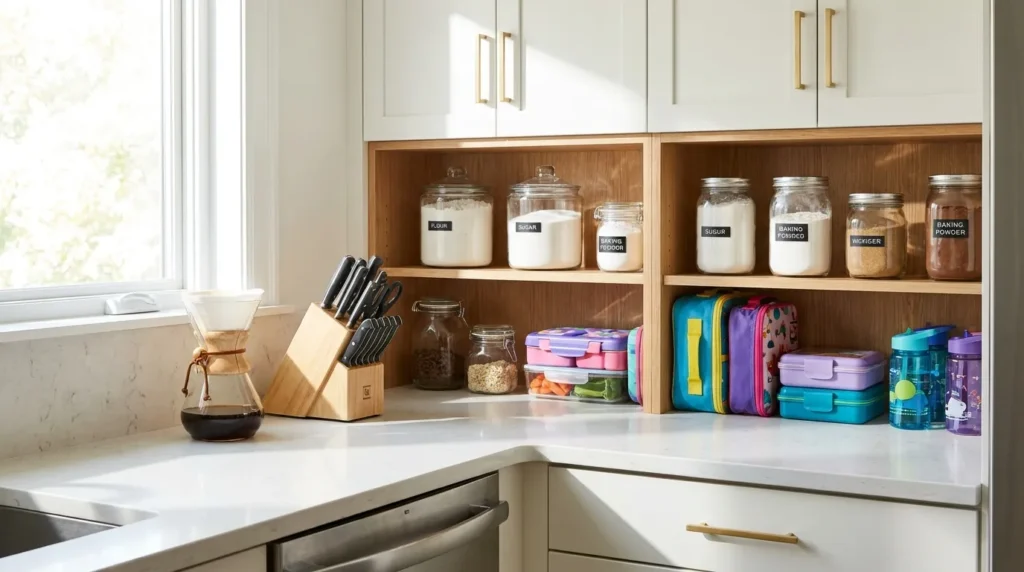
Store items where you use them, not where they fit.
Coffee supplies go next to the coffee maker, not across the kitchen near the pantry. Cutting boards go next to the stovetop, not in a cabinet on the far wall. School lunch supplies get their own low shelf that kids can access independently.
Keep counters clear of everything except daily-use appliances. A clean counter is not about aesthetics — it’s about prep speed. Every item on the counter is something you work around.
System 13: The Toy Rotation System
Toy rotation keeps play areas manageable and makes kids actually play with what they have.
Divide toys into three equal groups. Keep one group accessible. Store the other two in labeled bins in a closet or garage. Every 3–4 weeks, rotate the active bin. Kids experience the stored toys as new, which extends play time and reduces the “I’m bored” problem.
For families setting this up for the first time, the toy storage solutions guide covers bin sizing, labeling systems, and how to handle toys that overlap categories.
System 14: Seasonal Wardrobe Rotation
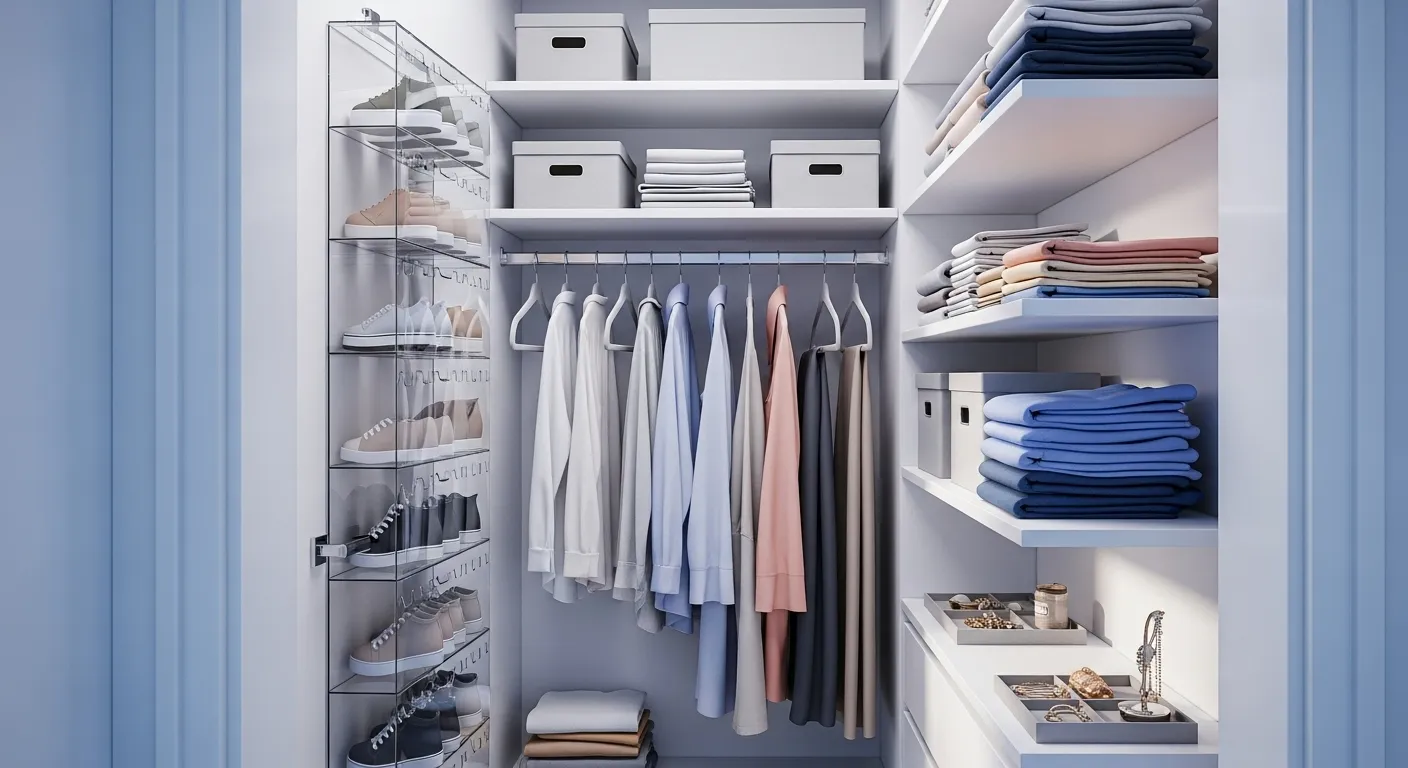
Seasonal wardrobe rotation means only in-season clothes are in accessible storage. Off-season clothes go into flat under-bed boxes or labeled bins in a secondary closet.
For kids especially, this cuts morning decision fatigue dramatically. Fewer choices in a drawer means faster mornings and fewer outfit arguments. A small capsule wardrobe — seven to ten items per child per season — is enough for most families.
The capsule wardrobe organization guide walks through exactly how many items per category work for each age group, and which pieces carry across seasons.
System 15: Digital Organization for Physical Efficiency
The right apps reduce the mental load that physical systems can’t address. Shared digital tools keep the household running when parents aren’t in the same room.
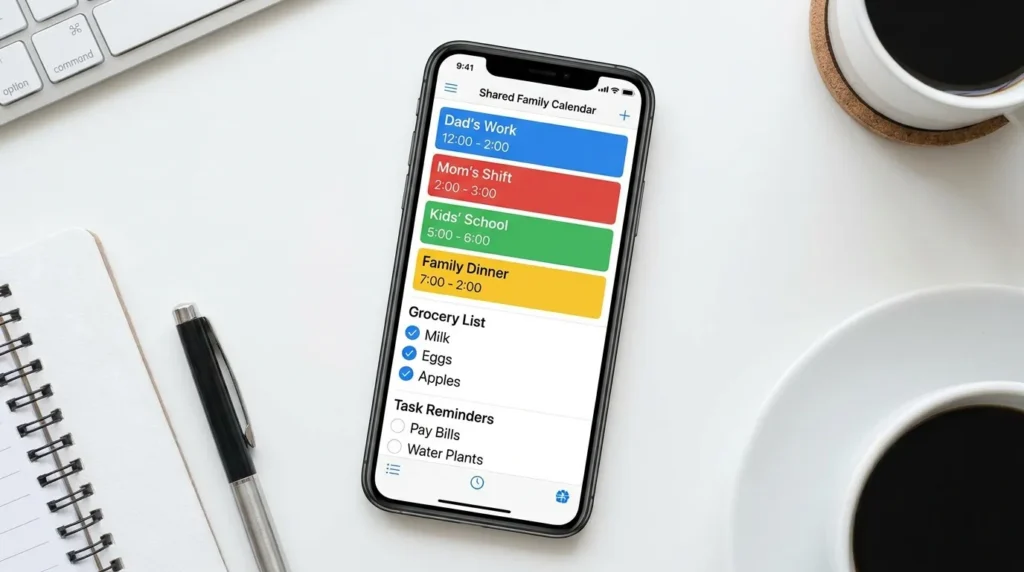
Three tools worth using: Cozi (shared family calendar with color-coding and shopping list sharing), OurHome (chore assignments with point-based rewards for kids), and Google Calendar (appointment management with reminder alerts). That’s it. You don’t need six apps — you need three that everyone actually checks.
The best apps for organizing daily life covers how to set up shared family profiles, sync devices, and build notification habits that stick.
How to Start Without Getting Overwhelmed
Don’t set up all 15 systems at once. Pick the one that would solve your most painful daily problem and spend one week making it automatic. Then add the next.
A realistic rollout looks like this: week one is the launch pad (immediate payoff on mornings). Week two is the daily reset (prevents accumulation). Week three is the command center (centralizes information). Week four is meal planning (removes the dinner decision). By week eight, you have eight systems running with almost no daily effort because each one has become the household default.
For a complete seasonal approach to organizing in layers, the seasonal home organization guide maps out which systems to build across each quarter of the year.
Which System Should You Set Up First?
| Biggest Pain Point | Start Here |
|---|---|
| Chaotic mornings | Launch Pad (System 2) |
| Clutter that keeps coming back | One-In-One-Out Rule (System 6) |
| Dinner stress every night | Meal Planning Station (System 5) |
| Kids won’t help | Age-Appropriate Chore System (System 8) |
| Can’t find anything | Zone-Based Organization (System 4) |
| Overwhelmed by paperwork | Paper Management System (System 9) |
| General overwhelm | Start with the Daily 15-Minute Reset (System 3) |
The most common mistake is making organization a solo project. The systems above work because they distribute responsibility across everyone in the household. Set them up together. Explain why each one exists. Let family members adjust the details to fit their habits — a system they helped design is one they’ll actually maintain.

Leave a Reply